Download the GoTyme Bank app
Switch to a beautiful banking experience today.
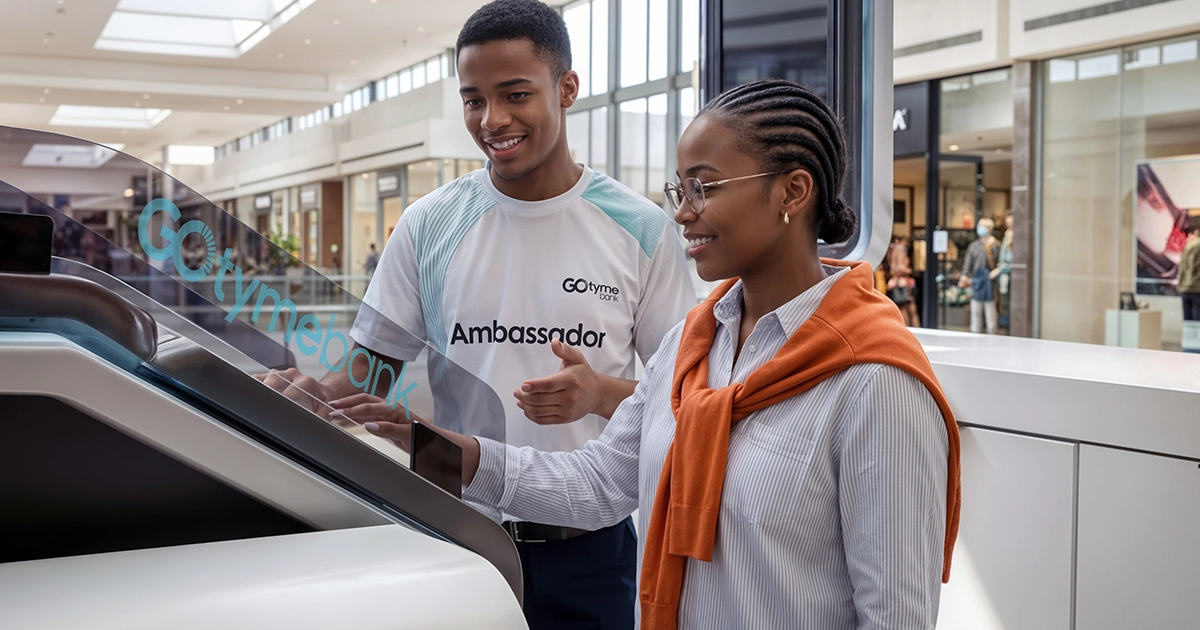
The kiosk prints your card on the spot once you've verified your ID and fingerprint, so there's no waiting for the post. Here's what to know if things don't go quite to plan.
The card is printed in person, so if the app shows an active card and you didn't walk away with one, the record needs a closer look. You can still view and manage the card in the app in the meantime.
Note the date and the store where you were served, plus the last four digits of the card in the app. Keep those details somewhere safe, because they're what you'll need to hand.
Kiosks are in selected TFG stores, Boxer stores and GoTyme Bank Customer Hubs. They're not in Pick n Pay stores anymore. If the one you visited was offline, another nearby location is usually your fastest option.
Not sure where the next one is? The kiosk locator on our website shows the closest ones to you.
Not at all. Most banking tasks, including payments, transfers, statements, card controls and profile changes, can be done in the GoTyme Bank app. The main thing you need a kiosk for is printing a replacement card. Until then, you can use your virtual card in the app for payments.
Cash deposits and withdrawals can also be done at Pick n Pay till points and Boxer stores. You can also withdraw from any ATM in South Africa.
That's everything you need to get started, or to get back on track. If that still didn't work for you, tell us what you were trying to do and what you saw on screen, and a screenshot helps too. Chat to us on WhatsApp at 0860 999 119 or through in-app chat. We will never ask for your PIN, full password or a one-time password.