Download the GoTyme Bank app
Switch to a beautiful banking experience today.
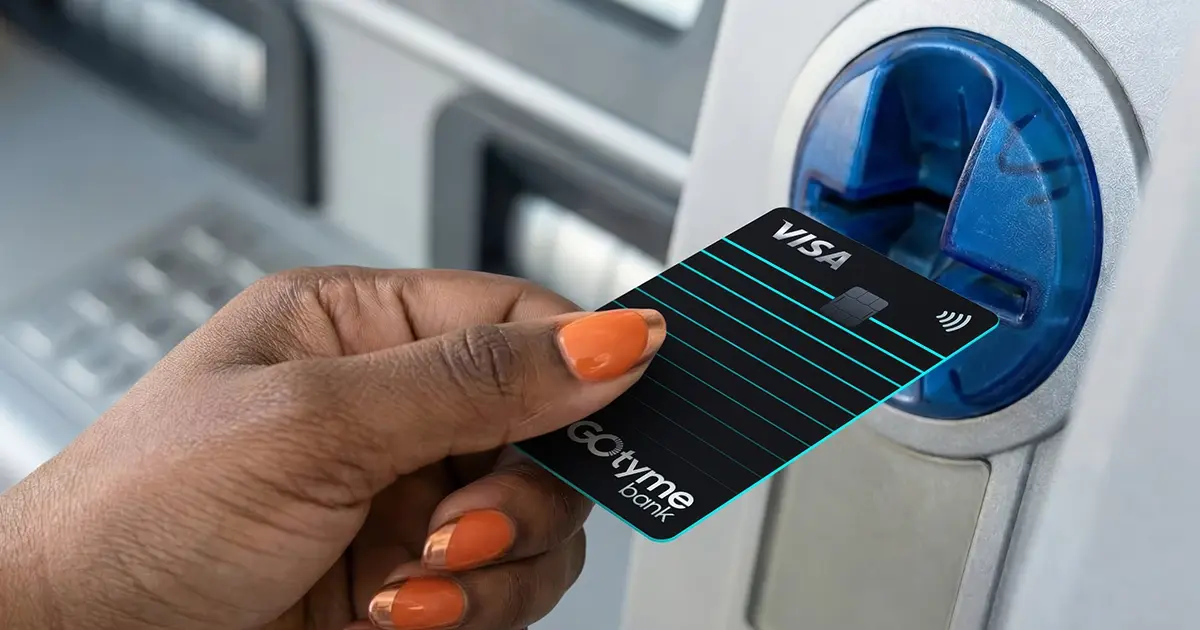
Trying to withdraw your money and finding you can't is never fun. The good news is that the most common reason is simple, and you can usually sort it out yourself. It usually comes down to something called FICA.
FICA is how we confirm that your account details are still correct, which helps keep you and your money safe. Every so often, we ask you to refresh them. Each account has its own FICA expiry date, and if that date passes before your details are updated, your account is put on hold. It stays that way until the update is done, which is why your withdrawals stopped.
Checking is quick and easy. Open the GoTyme Bank app and go to Profile, then Personal Info. If you see a Verify now button, your details are due, so tap it and follow the steps. Your expiry date is shown on the same page, just under the button. If you see Processing, or a message saying your FICA details are verified, you can relax. Either we are already reviewing what you sent, or there is nothing left for you to do.
Yes. If the app is not working for you, or you would simply rather do it in person, you can verify at a GoTyme Bank kiosk too. When your account is on hold, the kiosk will prompt you to verify as soon as you log in, so you can go straight into it.
Don't worry, it happens. A steady internet connection helps, and if the app asks for a selfie, use the front camera in even lighting with your face uncovered. Photos from your gallery are not accepted. If you hit an error, make a note of which step you reached and what the message said, as that makes it much easier for us to help.
If you have verified and your account is still on hold, there may be another review going on in the background. Reach out to us on WhatsApp at 0860 999 119 or through in-app chat. Tell us when you first noticed the problem, what you were trying to do, and what any error said. A screenshot helps too. And remember, we will never ask for your PIN, full password or a one-time password.