Download the GoTyme Bank app
Switch to a beautiful banking experience today.
Tap your iPhone or Apple Watch in person or tap the  Pay button online or in apps to check out with your GoTyme Bank card. It’s that simple.
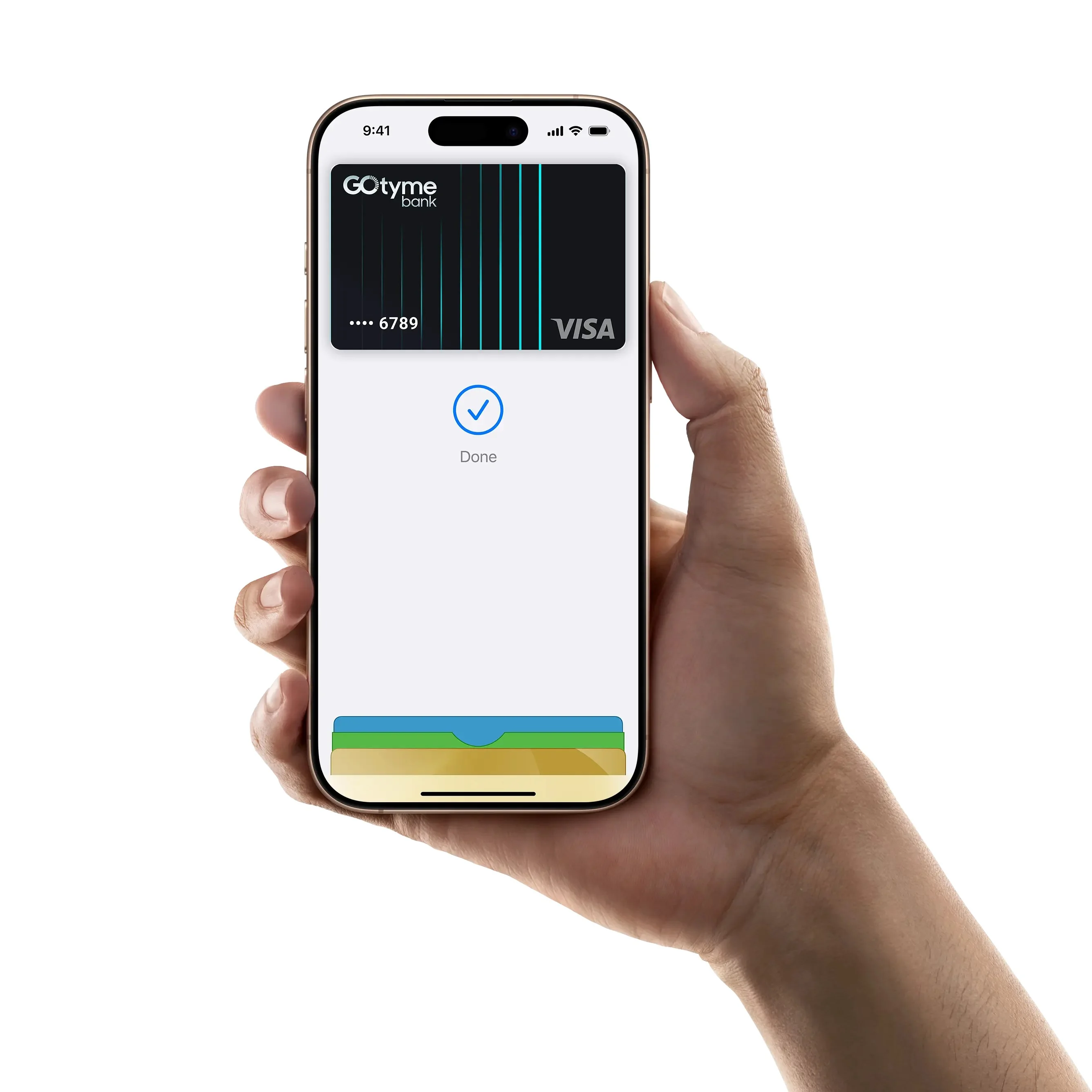
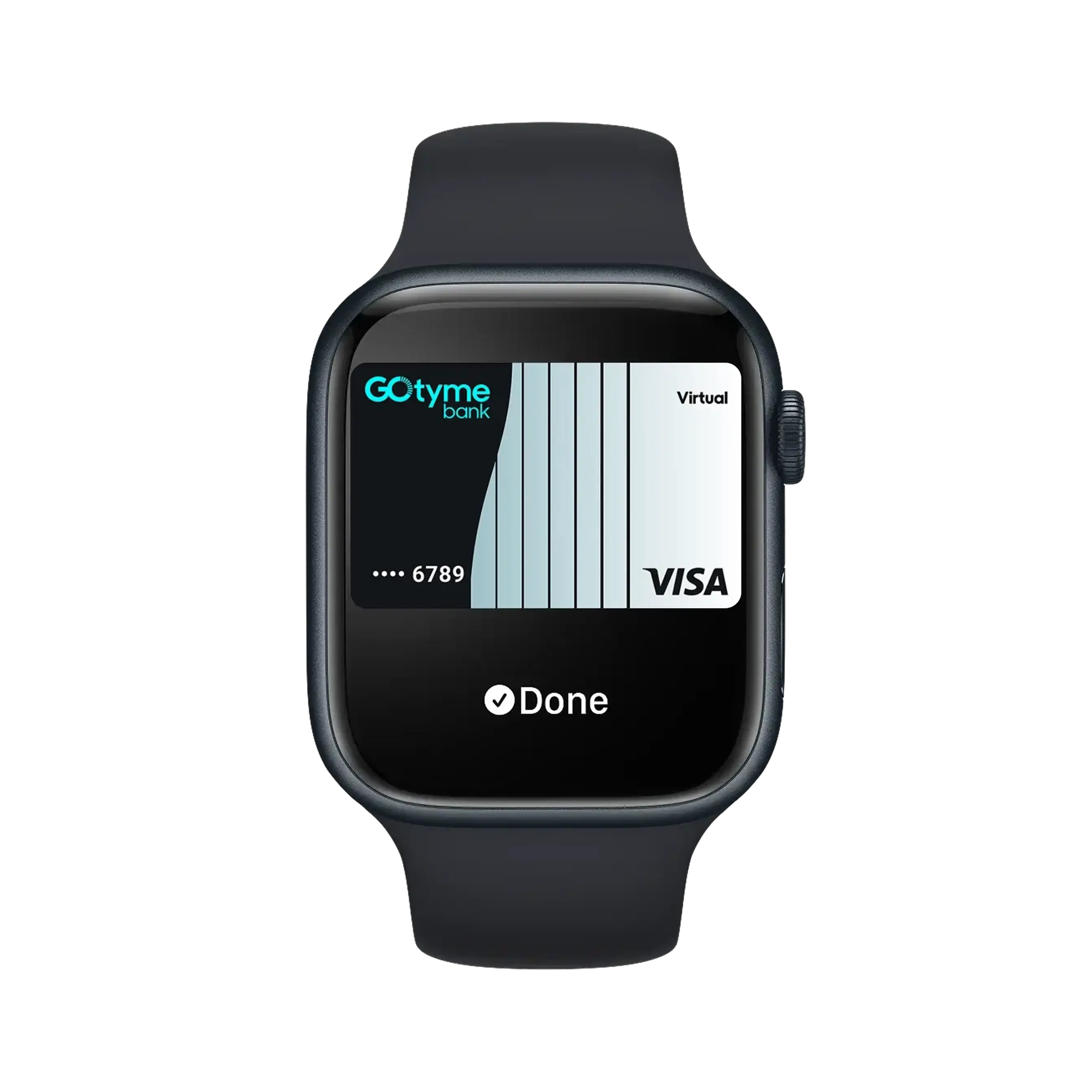
Apple Pay uses security features built into all your Apple devices, including Face ID and Touch ID — so only you can authorise payments with your GoTyme Bank card.
Apple Pay is a seamless way to shop with your GoTyme Bank card, whether you’re making a big purchase or grabbing daily essentials. Just look for Pay or the  symbol at checkout.
Set up Apple Pay on your Apple device or the GoTyme Bank app.

To get started on your GoTyme Bank app, open the app and follow the instructions.

Simply click the Apple Pay button to pay.
To check out in store, double-click the side button from your locked iPhone screen or while using any app. Then authenticate with Face ID, Touch ID, or your passcode, and hold your device near the reader.
Or if you’re paying online, tap the Pay button and confirm your purchase.
Terms and Conditions Apply: To use Apple Pay you need a supported card from a participating card issuer. To check if your card is compatible with Apple Pay, contact your card issuer. Apple Pay is not available in all markets. View Apple Pay countries and regions. Features are subject to change. Some features, applications, and services may not be available in all regions or all languages and may require specific hardware and software. Must have an eligible and supported card. Not available in all markets. To use this feature, your card must be NFC enabled and you may need to enter your card’s security code during setup. Software requirements apply. To ensure you have all features of this product, update your iPhone to the latest software version.
